
What is changing in Spain and where to start
Business-to-business electronic invoicing is back in focus following Spain’s Order HAC/1028/2026, which develops the public solution envisaged by Royal Decree 238/2026. For a contractor, preparing the integration means checking how an approved progress valuation reaches the invoicing system and how payment information returns. Before setting an implementation date, confirm the scope, exceptions and applicable timetable for your company with your adviser.
Keep work, valuation, invoice and payment distinct
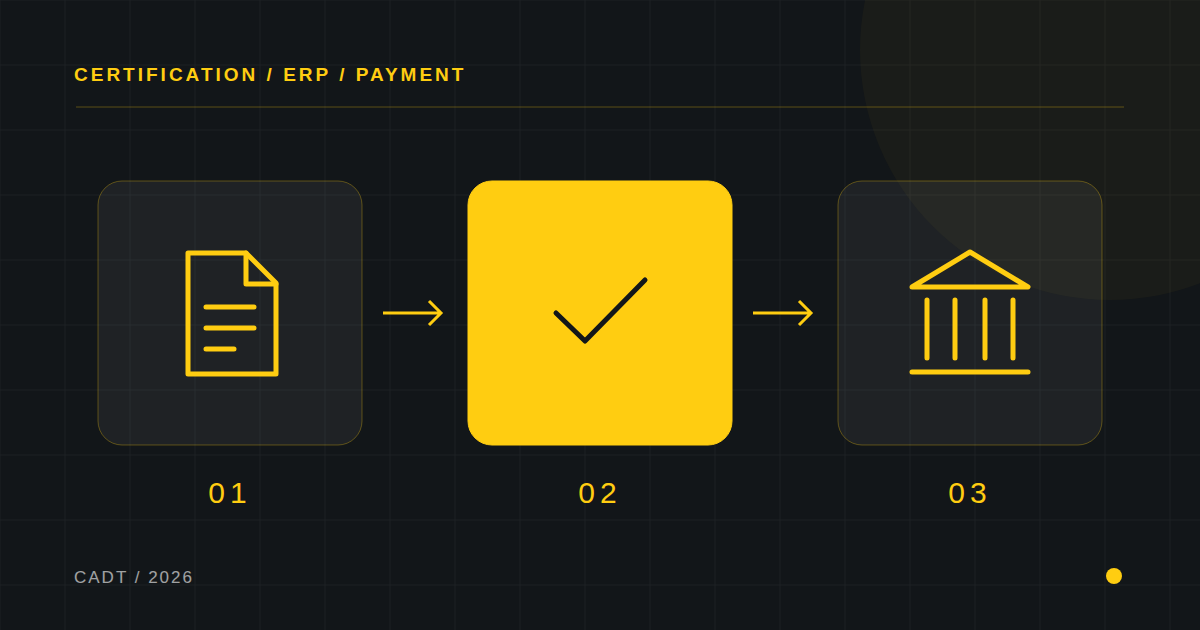
Completed work, an approved valuation, an issued invoice and money received represent different stages. The ERP must link them without assuming identical dates or amounts. A valuation may await approval; an invoice may include additional items; one receipt may settle several invoices. Model each state and record who changes it, when and on the authority of which document. This gives both the site team and finance a shared explanation.
Define identifiers that connect site and finance
Retain the project code, contract, valuation number, period, approved version and invoice reference in the handoff. Include issuer, recipient, currency and line breakdown. The integration should check that the invoicing recipient and contract agree before issuing a document. When a valuation changes, preserve a new version and its relationship to the previous one; overwriting it removes the evidence behind an invoice already issued.
A worked example to expose differences
Illustrative example, excluding tax: a project has cumulative approved work of €120,000, compared with €90,000 in the previous period. The current-period movement is €30,000, not €120,000. If a contractual adjustment of €1,500 applies, identify and authorise it with its sign and reason. The test should explain every difference between valuation and invoice, without treating this simplified calculation as a universal tax rule.
Ask the vendor to demonstrate the full cycle
Request a demonstration using documents from your workflow: approved valuation, invoice, acceptance or rejection and reconciliation. Ask what identifies an operation, which response confirms receipt and what happens if the connection fails. A retry must recover the earlier outcome if the invoice already exists. Include an incorrect recipient, a corrective invoice and a delayed response. A screen saying “sent” does not establish that the business process has finished.
Distinguish e-invoicing from VERI*FACTU
B2B electronic invoice exchange and Spain’s invoicing-system requirements are related measures with their own scope. Avoid buying a supposedly complete adaptation without a written list of the functions, versions and obligations covered. Check issue, receipt, states, archiving and accounting integration separately. The linked official sources establish the framework; software selection and implementation still need to reflect the company’s circumstances.
A practical first-month plan
Week one: map the current workflow and select a representative project. Week two: agree fields, owners and exception handling. Week three: test a normal valuation and the exceptions in a test environment without accidentally issuing real documents. Week four: reconcile the results with finance and document how to stop or retry the process. Acceptance means being able to trace every invoice and receipt back to its source.
What to measure after launch
Track valuations awaiting validation, days from approval to issue, rejected invoices, unreconciled amounts and manual corrections. Compare equivalent periods and workloads before attributing improvement to the software. If you need to connect estimates, progress valuations and the ERP, begin with the information currently copied by hand. It is often a useful starting point for defining an integration with a result that can be checked.